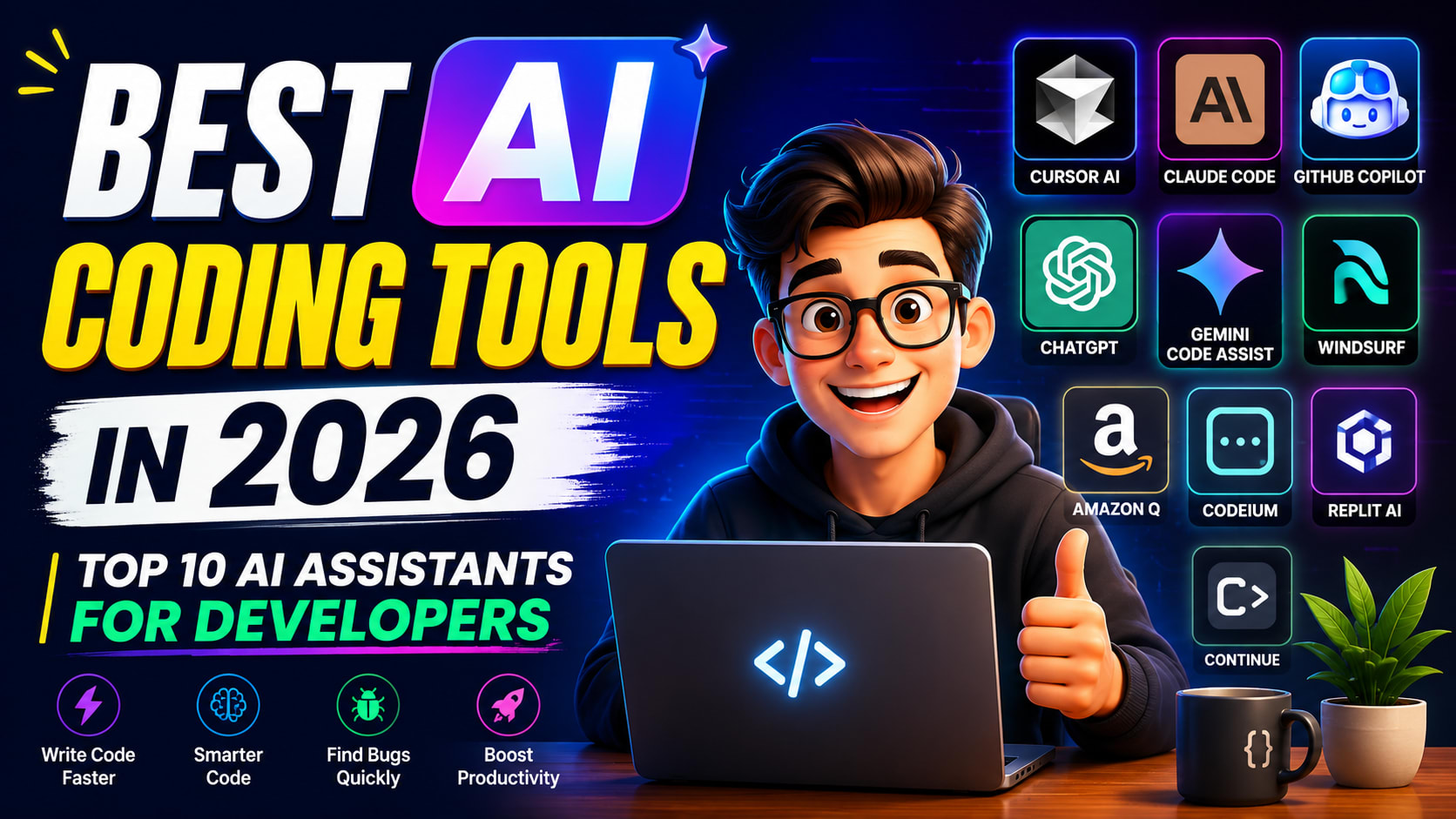
Best AI Coding Tools in 2026: Top 10 AI Assistants Every Developer Should Try
Introduction
If you've been coding recently, you've probably noticed something: AI is everywhere.
Whether you're building a React app, debugging a Java backend, writing Python scripts, or creating a mobile app with React Native, chances are you've used an AI assistant at least once.
A few years ago, we spent hours searching Stack Overflow, reading documentation, and trying random fixes from GitHub issues. Today? We simply ask an AI assistant:
"Why is my React component re-rendering infinitely?"
And within seconds, we get an explanation, possible fixes, and even updated code.
Pretty crazy, right?
But here's the thing—not every AI coding tool is the same. Some are amazing at writing code, others are better at understanding huge projects, while a few are more like a senior developer who explains why something works instead of just giving you the answer.
So in this article, we're going to explore the Best AI Coding Tools in 2026, compare their strengths and weaknesses, and help you decide which one deserves a place in your development workflow.
Let's get started!
Why AI Coding Tools Are So Popular in 2026
Think about your average day as a developer.
You might be:
Writing a new feature
Fixing a bug
Reading documentation
Refactoring old code
Writing unit tests
Reviewing pull requests
Learning a new framework
Now imagine having an assistant sitting beside you 24/7.
You ask questions, it explains concepts, generates code, reviews your work, and even catches mistakes before you notice them.
That's exactly what modern AI coding tools do.
They don't replace developers—they remove repetitive work so you can spend more time solving real problems.
The developers who use AI effectively are usually faster, more productive, and spend less time searching for answers online.
What Makes a Great AI Coding Tool?
Before jumping into the list, let's quickly understand what separates a good AI assistant from a great one.
A great AI coding tool should be able to:
Understand your entire project
Generate clean and readable code
Explain why the code works
Fix bugs intelligently
Refactor existing code
Write tests
Help you learn new technologies
Integrate with popular IDEs
Save you time every day
No single tool is perfect, which is why many developers use two or even three AI assistants together.
1. Cursor AI – The Best Overall AI Code Editor
If someone asked me to recommend just one AI coding tool in 2026, Cursor AI would probably be my first choice.
Why?
Because it feels like VS Code—but with a superpower.
Instead of constantly switching between your editor and a browser, Cursor lets you chat directly with your codebase.
Imagine you have a React Native project with over 200 files.
Normally, adding a Dark Mode feature would mean opening dozens of files one by one.
With Cursor, you can simply type:
"Add dark mode support across the entire application while keeping the existing design."
Cursor understands your project structure and updates multiple files intelligently.
That's the kind of productivity boost that saves hours.
Best For
React
React Native
Next.js
Node.js
TypeScript
Large production projects
Pros
Excellent understanding of large codebases
Multi-file editing
AI chat inside the editor
Fast and clean interface
Familiar VS Code experience
Cons
Advanced features require a paid plan.
Always review generated code before committing.
2. Claude Code – Best for Deep Thinking
Sometimes you don't need more code.
You need better understanding.
That's where Claude Code shines.
Instead of quickly generating random code, Claude usually takes time to explain what's happening.
Let's say your backend API becomes slow only when thousands of users are connected.
Instead of simply suggesting a fix, Claude often explains:
What's causing the bottleneck
Why memory usage increases
Which architectural changes make sense
Alternative approaches with trade-offs
It's almost like discussing the problem with an experienced senior developer.
Best For
Debugging
Learning
Architecture discussions
Backend development
Code reviews
3. GitHub Copilot – The Fastest Coding Partner
GitHub Copilot has become one of the most popular AI coding assistants in the world.
Its biggest strength?
Speed.
While you're typing, Copilot predicts what you're about to write.
Sometimes it completes an entire function before you've even finished the first line.
It works especially well for:
CRUD operations
API requests
Repetitive code
Unit tests
Boilerplate code
Think of it as extremely smart autocomplete.
If you already know what you're building, Copilot makes you much faster.
4. ChatGPT – The Best AI Teacher
I know what you're thinking.
"Isn't ChatGPT just a chatbot?"
Not really.
For developers, it's much more than that.
I personally use ChatGPT almost every day.
Not because it writes perfect code.
But because it explains things so well.
For example, I ask questions like:
Why is this SQL query slow?
Explain closures like I'm five.
Optimize this React component.
What's wrong with my Java code?
Can you explain this algorithm visually?
Instead of just copying code, you actually learn something.
That's why I still recommend ChatGPT to every beginner.
5. Gemini Code Assist – Best for Google Cloud Developers
If you're working with Google Cloud Platform, Gemini Code Assist fits naturally into your workflow.
It understands cloud services, APIs, deployments, and infrastructure better than many general-purpose assistants.
It works particularly well for:
Cloud Functions
Kubernetes
Firebase
Google Cloud
Backend services
If your company already uses Google's ecosystem, Gemini is definitely worth trying.
6. Windsurf – The AI-First Development Environment
Windsurf isn't just another autocomplete tool.
Its goal is to help build entire applications.
Instead of asking:
"Write a login function."
You can ask:
"Build a complete authentication system using JWT, refresh tokens, protected routes, and MongoDB."
It understands bigger tasks surprisingly well.
That's why many indie developers love it for building MVPs quickly.
7. Amazon Q Developer
Amazon Q is designed mainly for AWS developers.
If you're deploying applications on EC2, Lambda, DynamoDB, or S3, Amazon Q can generate infrastructure code and help with cloud development.
It's especially useful for enterprise teams already using AWS.
8. Codeium
Not everyone wants to pay for AI.
Codeium offers an impressive free experience.
Although it may not understand projects as deeply as Cursor, it's a great option for students and beginners who want AI-powered autocomplete without spending money.
9. Replit AI
If you enjoy coding directly in your browser, Replit AI is a fantastic choice.
You can build projects, run them instantly, and let AI help you fix errors without installing anything.
It's perfect for:
Students
Small projects
Learning
Quick prototypes
10. Continue.dev
Continue is an open-source AI coding assistant that works inside VS Code and JetBrains IDEs.
One of its biggest advantages is flexibility.
You can connect different AI models instead of being locked into a single provider.
Developers who like customizing their workflow often prefer Continue.
Feature Comparison
Tool | Best For | Free Plan | Overall Rating |
|---|---|---|---|
Cursor AI | Large Projects | Limited | ⭐⭐⭐⭐⭐ |
Claude Code | Debugging & Reasoning | Limited | ⭐⭐⭐⭐⭐ |
ChatGPT | Learning | Yes | ⭐⭐⭐⭐⭐ |
GitHub Copilot | Autocomplete | Trial | ⭐⭐⭐⭐☆ |
Gemini Code Assist | Google Cloud | Yes | ⭐⭐⭐⭐☆ |
Windsurf | Full App Development | Limited | ⭐⭐⭐⭐☆ |
Amazon Q | AWS | Yes | ⭐⭐⭐⭐☆ |
Codeium | Free AI Coding | Yes | ⭐⭐⭐⭐☆ |
Replit AI | Browser Coding | Limited | ⭐⭐⭐⭐☆ |
Continue | Open Source | Yes | ⭐⭐⭐⭐☆ |
Which AI Tool Should You Choose?
Let's make this simple.
You're a Beginner
Start with ChatGPT.
It explains concepts, teaches programming, and helps you understand code instead of blindly copying it.
You're Building Real Apps
Go with Cursor AI.
Its project awareness makes it one of the most productive tools available today.
You Need Better Explanations
Choose Claude Code.
Its reasoning abilities are among the best.
You Love Fast Autocomplete
Pick GitHub Copilot.
It's incredibly fast for day-to-day coding.
You're Building Cloud Applications
Use Gemini Code Assist or Amazon Q, depending on whether you're on Google Cloud or AWS.
My Personal AI Workflow
A lot of people ask me,
"Which AI tool do you actually use?"
The truth is—I don't rely on just one.
Here's my typical workflow:
ChatGPT for learning new concepts and brainstorming.
Cursor AI for writing and editing code across large projects.
Claude Code when I need deep debugging or architecture advice.
GitHub Copilot for fast autocomplete and repetitive coding tasks.
Each tool has its own strengths, and using them together often gives the best results.
Can AI Replace Software Developers?
This is probably the biggest question in tech right now.
My answer?
No—but it will definitely change how developers work.
AI can generate code.
AI can fix bugs.
AI can write tests.
AI can explain algorithms.
But AI still doesn't understand business requirements, user needs, product vision, or long-term architecture the way humans do.
Think of AI like a Formula 1 car.
It can go incredibly fast.
But it still needs a skilled driver behind the wheel.
The developers who will succeed in the coming years are the ones who combine solid programming fundamentals with smart AI usage.
Tips for Using AI Coding Tools Effectively
Before you rely too much on AI, keep these tips in mind:
Always understand the code before using it.
Verify AI-generated code with testing.
Don't skip learning programming fundamentals.
Break large problems into smaller prompts.
Ask AI to explain its reasoning.
Review code for security and performance.
Use AI to speed up your workflow, not replace your thinking.
Remember, AI is your assistant—not your replacement.
Frequently Asked Questions
What is the best AI coding tool in 2026?
Cursor AI is one of the best overall AI coding tools because it understands large codebases and integrates seamlessly into your editor.
Is ChatGPT good for coding?
Yes. ChatGPT is excellent for learning programming, debugging, explaining concepts, generating code, and solving technical problems.
Is Cursor AI better than GitHub Copilot?
For project-wide understanding and multi-file editing, Cursor AI is generally stronger. For fast inline autocomplete, GitHub Copilot still performs exceptionally well.
Can beginners use AI coding tools?
Absolutely. In fact, AI can help beginners learn faster by explaining concepts, suggesting improvements, and providing examples. Just make sure you understand the code instead of copying it blindly.
Will AI replace software engineers?
AI will automate repetitive coding tasks, but skilled developers who understand software design, architecture, and problem-solving will continue to be in demand.
Final Thoughts
AI coding tools have transformed software development, and 2026 is an exciting time to be a developer. Whether you're building mobile apps, web applications, backend APIs, or experimenting with new ideas, there's an AI assistant that can make you faster and more productive.
If you're just starting your programming journey, begin with ChatGPT to build a strong foundation. As your projects become more complex, explore Cursor AI for day-to-day development, Claude Code for deep reasoning, and GitHub Copilot for lightning-fast autocomplete. Cloud developers can also benefit from Gemini Code Assist or Amazon Q, depending on their platform.
The most successful developers won't be the ones who avoid AI—they'll be the ones who learn how to collaborate with it effectively. Treat AI as a teammate that helps you write better code, learn faster, and spend more time solving interesting problems.
Happy coding, and I'll see you in the next article!
Internal Reading
If you're new to programming, don't miss our Java Tutorial for Beginners and Computer Science Roadmap to build a strong foundation before diving deeper into AI-assisted development.